


More indicators do not make a better chart. Covering more ground does: one tool for timing, one for the exit, one for the market's mood, one for participation. That is how this release is laid out, and how this page reads it.
Two SAHI charts below carry seven of the new indicators between them, on Ipca Laboratories' weekly candles. Every part is labelled; click a label to light it up, or take the tour.
Timing, exits and trend
1Where it is
WhereAny chartƒx (Manage Indicators)Search by name
Every new indicator is in Manage Indicators, opened from the ƒx button in the chart header. Search by name and press the green plus.
- ASearch
Type any part of a name, for example Stochastic RSI, Fisher or Zero Lag.
- BTabs and counts
All 162 here: 66 on the main chart, 55 in their own pane, 18 AI-based and 3 from the community. All also counts your own scripts.
- EWrite with Kyro, New script
Build your own indicator instead, by describing it to Kyro or in Sahi Script.
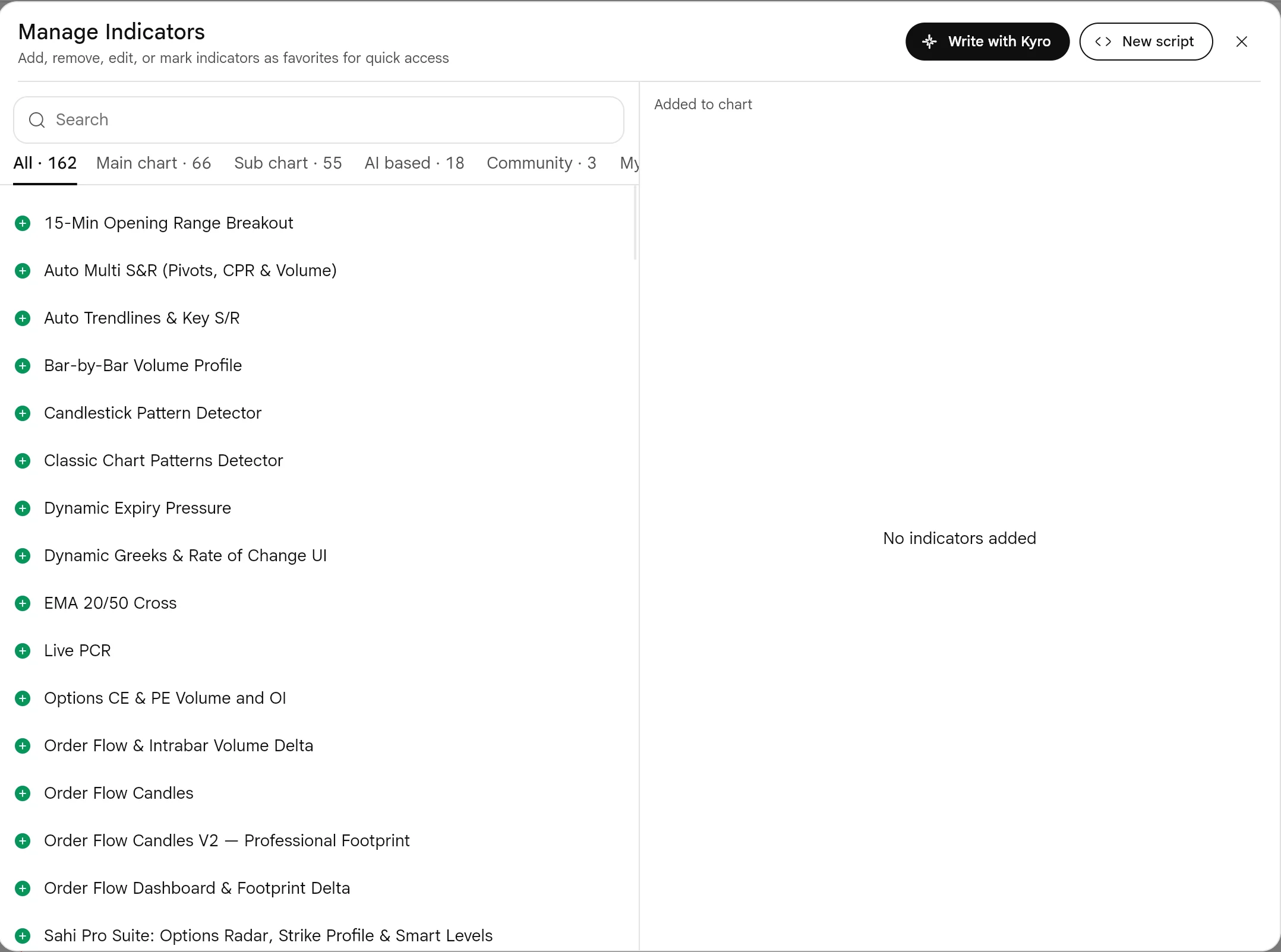
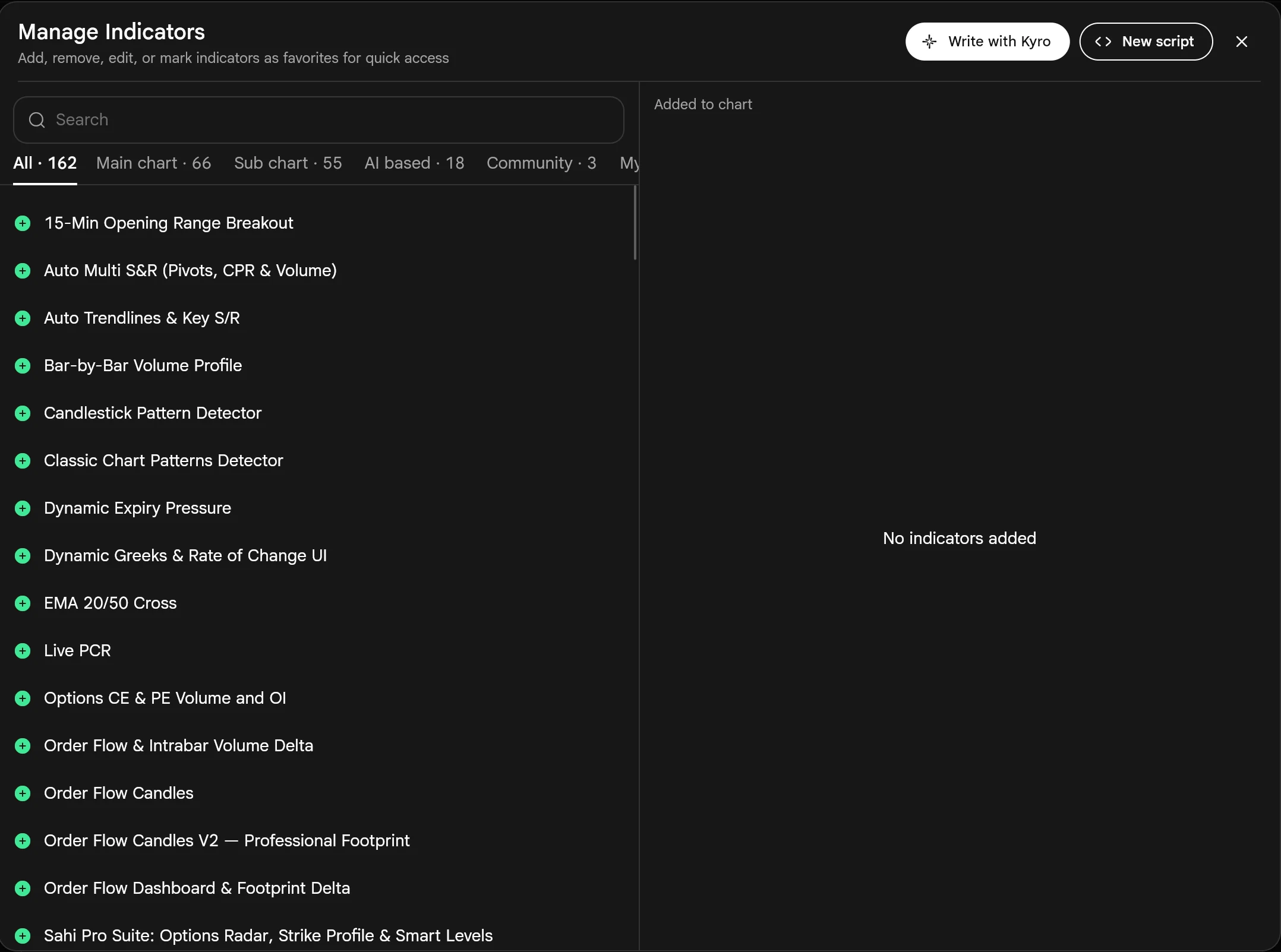
- CAdd with the plus
The green plus adds the indicator to the chart at once, with its default settings.
- DAdded to chart
What is on this chart now. Each row has a pencil for settings and a red minus to remove it.
Add an indicator4 steps
- Open a chart and press ƒx in the chart header.
- Type part of the name in Search, for example Fisher.
- Press the green +. The indicator is drawn at once with its default settings.
- Under Added to chart, use the pencil to change its settings, or the red minus to remove it.
2What it is
Four of the new indicators on one weekly chart. On the candles: Zero Lag EMA, a moving average built to lag less than an ordinary EMA, and Volatility Stop, a trailing stop that sits further away when the market swings more. Below: Stochastic RSI for timing and Fisher Transform for sharp turns.
Read together they answer four questions: which way is the trend (Zero Lag EMA), where would the trend be wrong (Volatility Stop), is momentum stretched (Stochastic RSI), and is it turning (Fisher Transform).
- AZero Lag EMA (30)
The blue line. It follows price closely on the way up and turns sooner than an ordinary 30-week EMA would.
- BVolatility Stop (20, 2)
The dotted trail under price in an uptrend, over it in a downtrend. It flips side when price closes through it.
- CValues on the price axis
Last price 1,940.50, Zero Lag EMA 1,931.93 in blue and Volatility Stop 1,772.11 in green, under price.
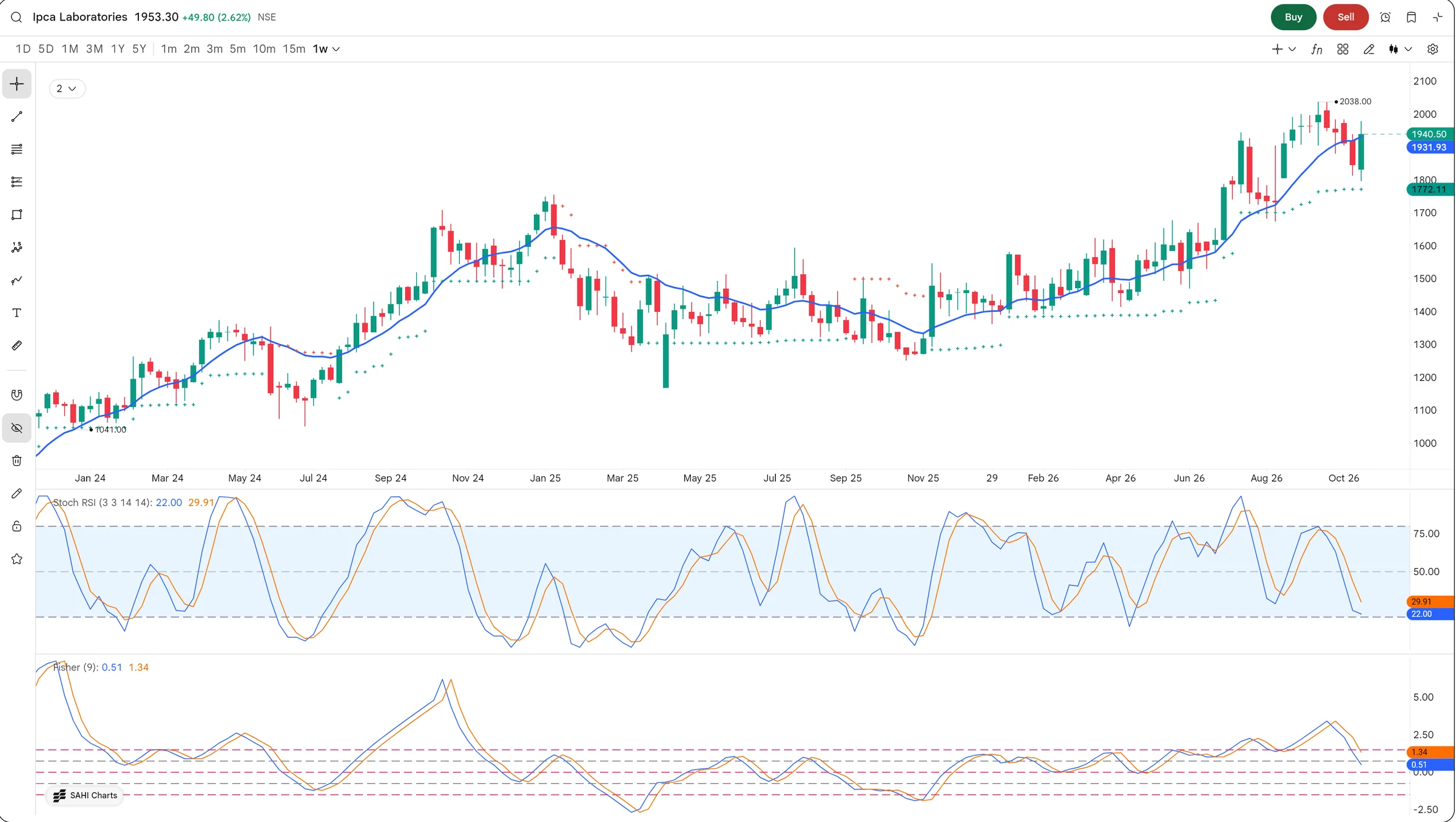
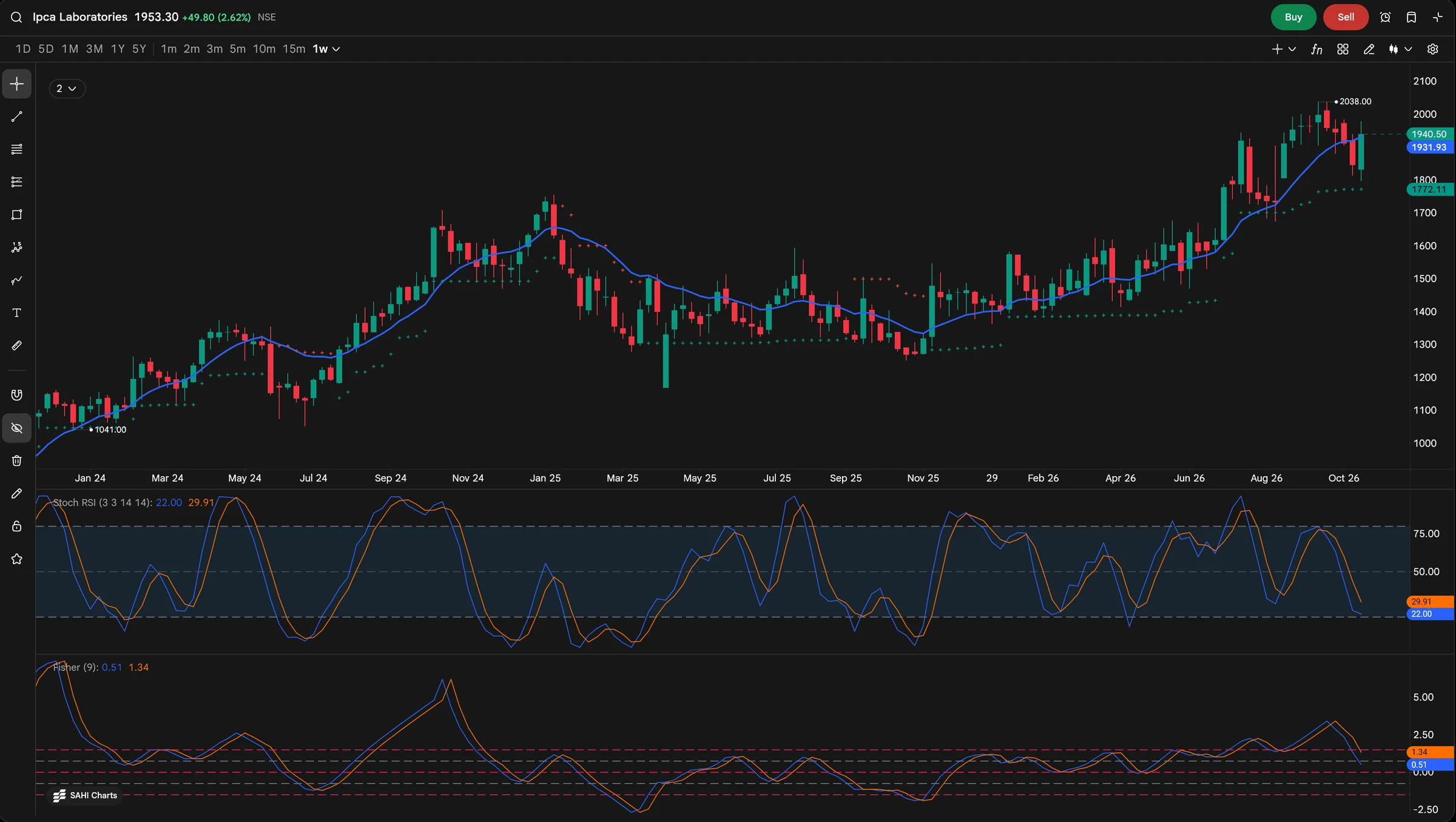
- DStochastic RSI (3, 3, 14, 14)
RSI run through a stochastic: 22.00 and 29.91 now, near the 25 line. Above 75 is stretched up, below 25 stretched down.
- EFisher Transform (9)
Turns price into sharp peaks and troughs so turning points stand out. 0.51 and 1.34 now, the faster line crossing under the slower.
3How it helps
- Trend direction without the usual lag. Zero Lag EMA turns sooner than an ordinary moving average of the same length.
- An exit that respects volatility. Volatility Stop sits further away when the market swings more, so normal noise does not stop you out.
- Timing inside the trend. Stochastic RSI shows when momentum is stretched; Fisher Transform makes the turn easy to see.
Price is at 1,940.50, above the Zero Lag EMA at 1,931.93: the trend is up. The Volatility Stop is at 1,772.11, about 8.7% below, which is where this uptrend would be called off on a weekly close. Meanwhile Stochastic RSI has dropped to 22.00 and Fisher has crossed down: momentum has cooled inside an uptrend that is still intact.
Main chart indicators draw over the candles; sub chart ones open in a pane of their own below. Three or four panes is usually the most a chart can show clearly.
Regime, participation and structure
1Where it is
WhereAny chartƒx (Manage Indicators)Search by name
Same place: ƒx, then search for Zig Zag, Choppiness Index or Balance of Power.
2What it is
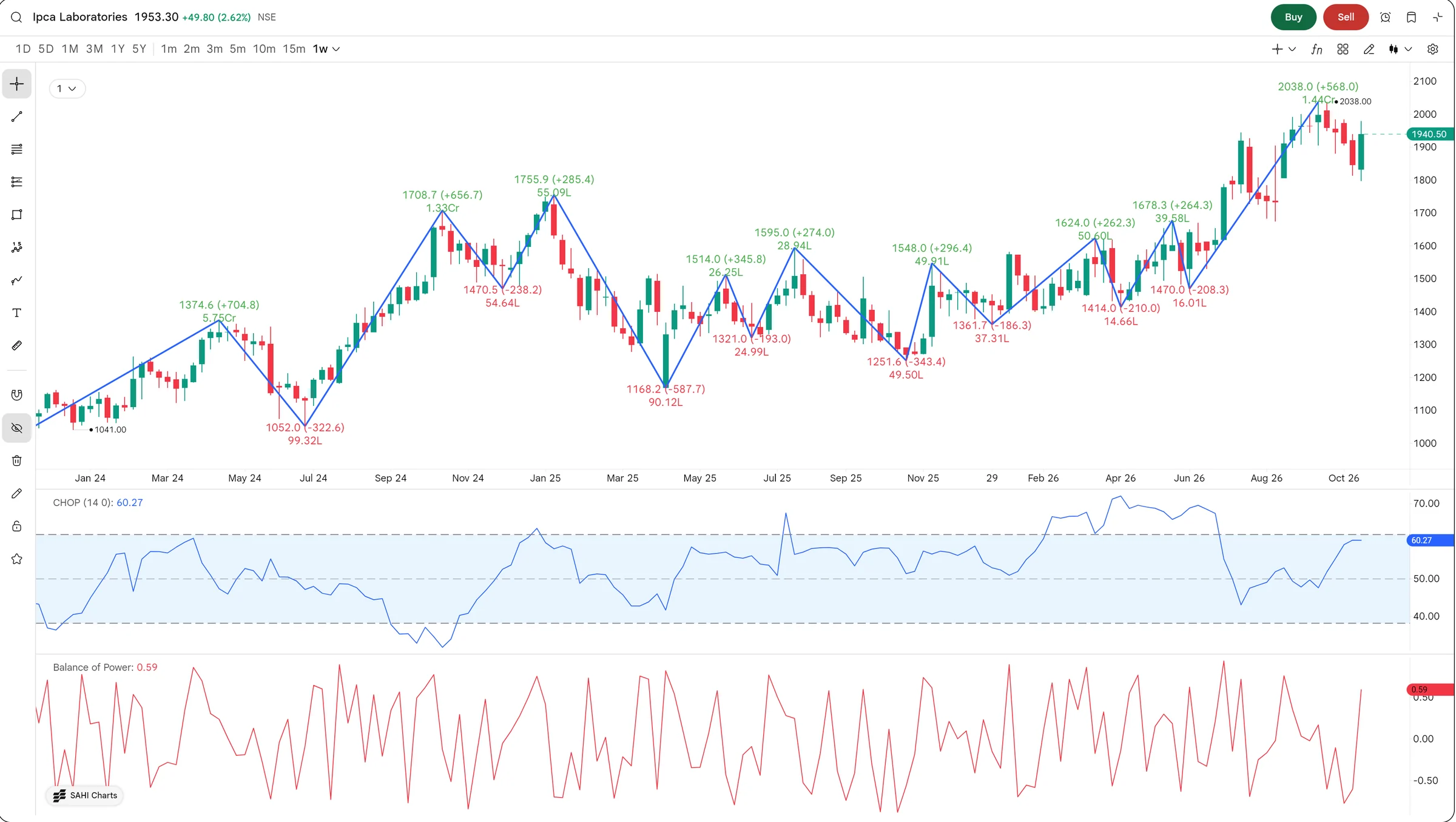
Three more on the same chart. Zig Zag keeps only the swings that matter and labels each one. Choppiness Index says whether the market is trending or going sideways. Balance of Power says, bar by bar, whether buyers or sellers had the upper hand.
These are the indicators you check before choosing a strategy: a breakout plan suits a trending market, and a range plan suits a choppy one.
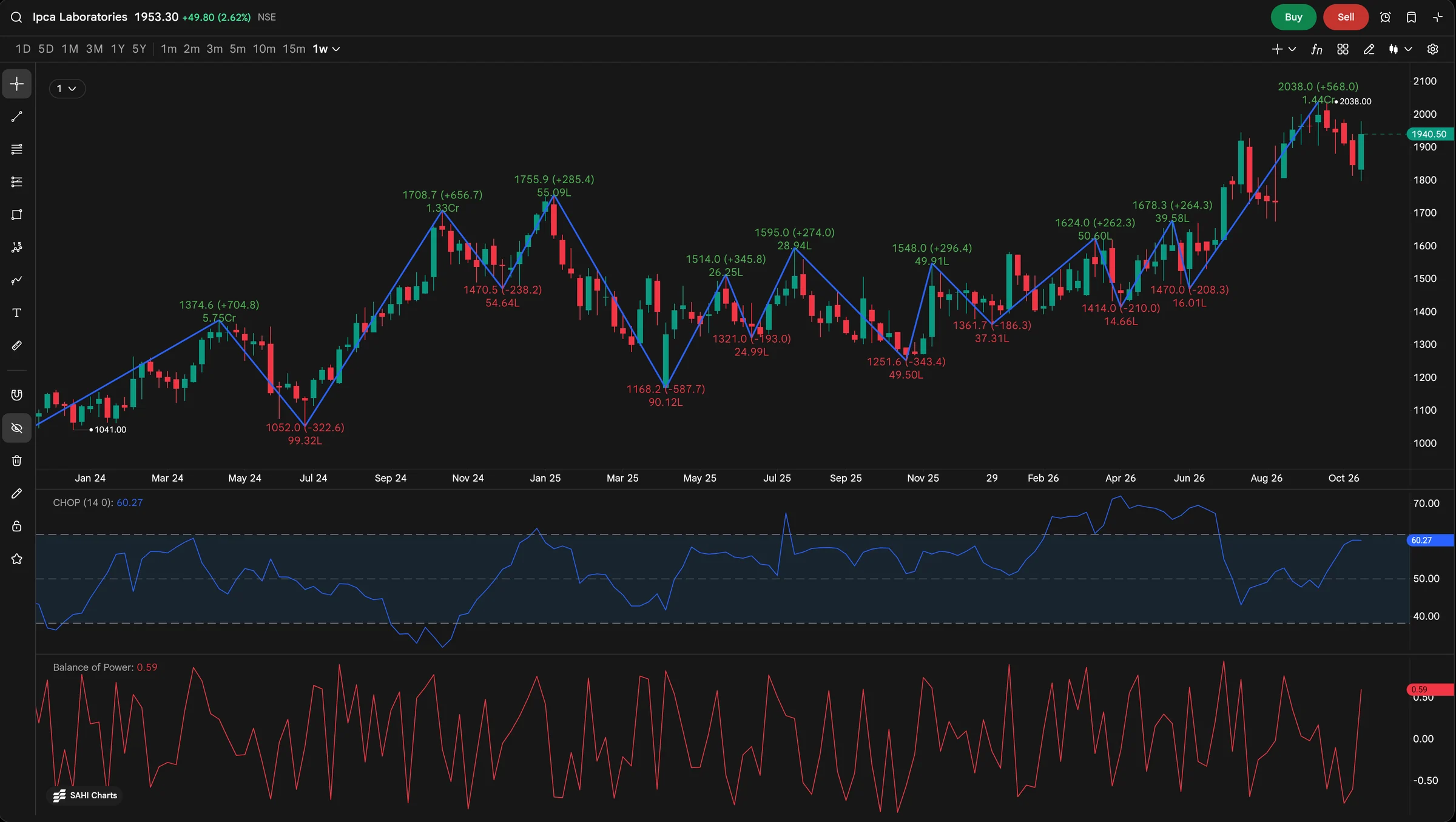
- AA swing high, labelled
1,755.9, up 285.4 from the last swing low (1,470.5), with 55.09 lakh shares traded over the leg.
- BZig Zag (1, 10)
Straight lines from swing to swing. Small wiggles in between are left out, so the structure is easy to read.
- CA swing low, labelled
1,168.2, down 587.7 from that high: the deepest fall on this chart.
- DChoppiness Index (14)
60.27 now. The dashed lines mark the usual levels: near the top band the market is choppy, near the bottom band it is trending.
- EBalance of Power
From −1 to +1: who closed each bar stronger. 0.59 on the last bar, so buyers had the better of it.
3How it helps
- The right strategy for the market you are in. Choppiness Index tells a trending market from a sideways one before you pick breakouts or ranges.
- Moves with real participation. Balance of Power shows whether buyers or sellers controlled each bar.
- Structure without the noise. Zig Zag keeps only the swings that matter, each with its price, change and volume.
From the 1,755.9 high the Zig Zag shows a 587.7 fall to 1,168.2, then higher swing lows all the way to 2,038.0. Choppiness at 60.27 sits close to its upper band: after that run the market has gone sideways for now, which is when range tactics usually work better than breakouts.
All 40, by the question they answer
1Where it is
WhereAny chartƒx (Manage Indicators)Search by name
All of them are in Manage Indicators; the tabs split them into main chart, sub chart, AI-based and community.
2What it is
The release groups the new indicators by job. Use one from each group you need rather than several that measure the same thing.
| Group | The question | Indicators named in the release |
|---|---|---|
| Entry timing | Is a move about to start? | VWAP with Bands, Squeeze Momentum, Stochastic RSI, WaveTrend |
| Risk and exits | Where is the trade no longer valid? | Volatility Stop, Chande Kroll Stop, Price Channel |
| Momentum quality | Is this signal worth taking? | Connors RSI, True Strength Index, Fisher Transform, Ultimate Oscillator |
| Trend | Is the trend building or fading? | Zero Lag EMA, McGinley Dynamic, Moving Average Ribbon |
| Volatility and regime | Trending or choppy? | Choppiness Index, Chop Zone, Historical Volatility, Standard Deviation |
| Volume and participation | Is real buying or selling behind it? | Net Volume, Balance of Power, Relative Vigor Index |
| Structure | What are the swings, and how strong is the direction? | Zig Zag, Vortex Indicator, Trend Strength Index, RCI Ribbon |
3How it helps
- A complete setup from a short list. Pick one indicator per question (timing, exit, regime, participation) instead of stacking several that measure the same thing.
- One place for all of it. More than a hundred indicators on the same chart, without another tool or tab.
- Indicators describe what price and volume have already done. None of them is a trade signal on its own.
- Net Volume did not draw on this weekly stock chart when we tried it; pick the timeframe and instrument you trade before you judge an indicator.
Questions
How many indicators does SAHI have now?
More than a hundred after this release. Manage Indicators shows the exact count in its All tab, which also includes your own scripts.
Where do I find them?
Open any chart, press ƒx in the chart header to open Manage Indicators, search by name and press the green plus.
How do I change an indicator's settings?
In Manage Indicators, under Added to chart, press the pencil beside it. The settings also show in the chart legend, for example Stoch RSI (3 3 14 14).
How do I remove one?
Press the red minus beside it under Added to chart.
Build a setup by question, not by countOpen a chart on web.sahi.com, press ƒx, and add one indicator each for timing, exits, regime and participation.
Open web.sahi.com