


Renko: bricks, not time
WhereAny chartSettingsChart typeRenko
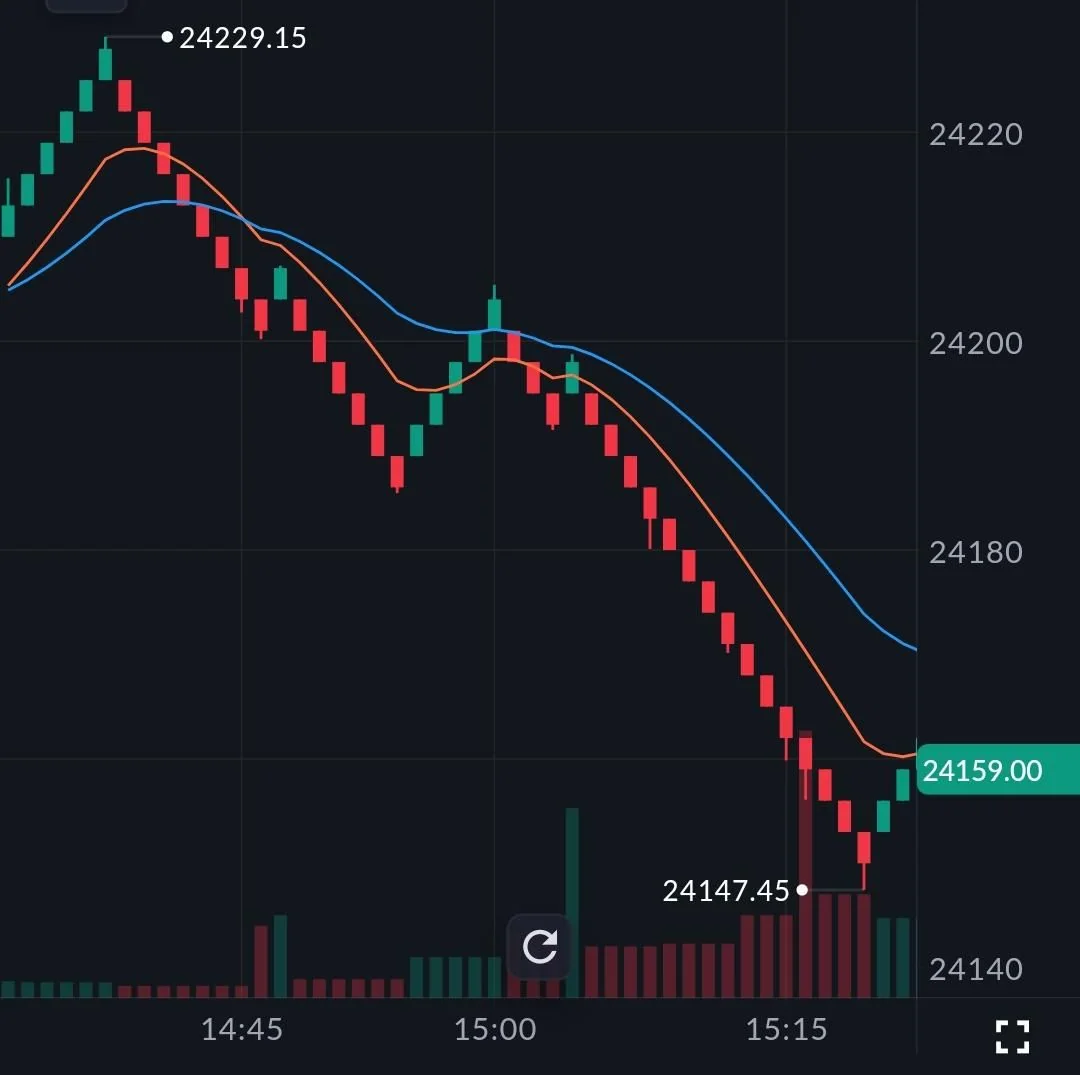
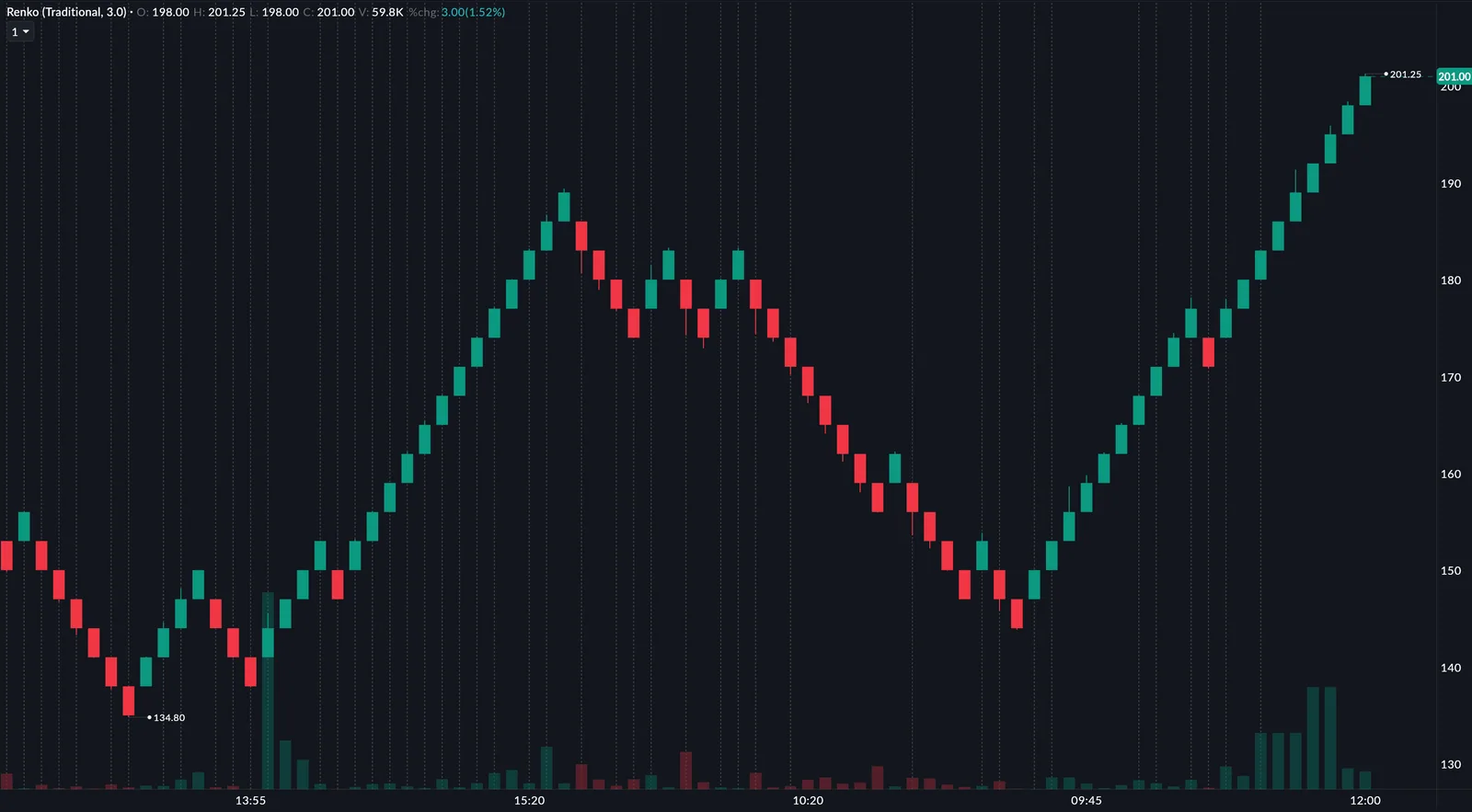
Every other chart prints something at fixed time intervals. Renko prints a brick only when price moves by a set amount: an up-brick when it rises that much, a down-brick when it falls. Sideways drift prints nothing, so a trend is a clean run of bricks and a reversal is obvious.
Renko is Japanese for brick. Because every brick is the same price move, in Scalper you can build rules on brick count or a change of direction, which is hard on candles of every size.
How to use it2 steps
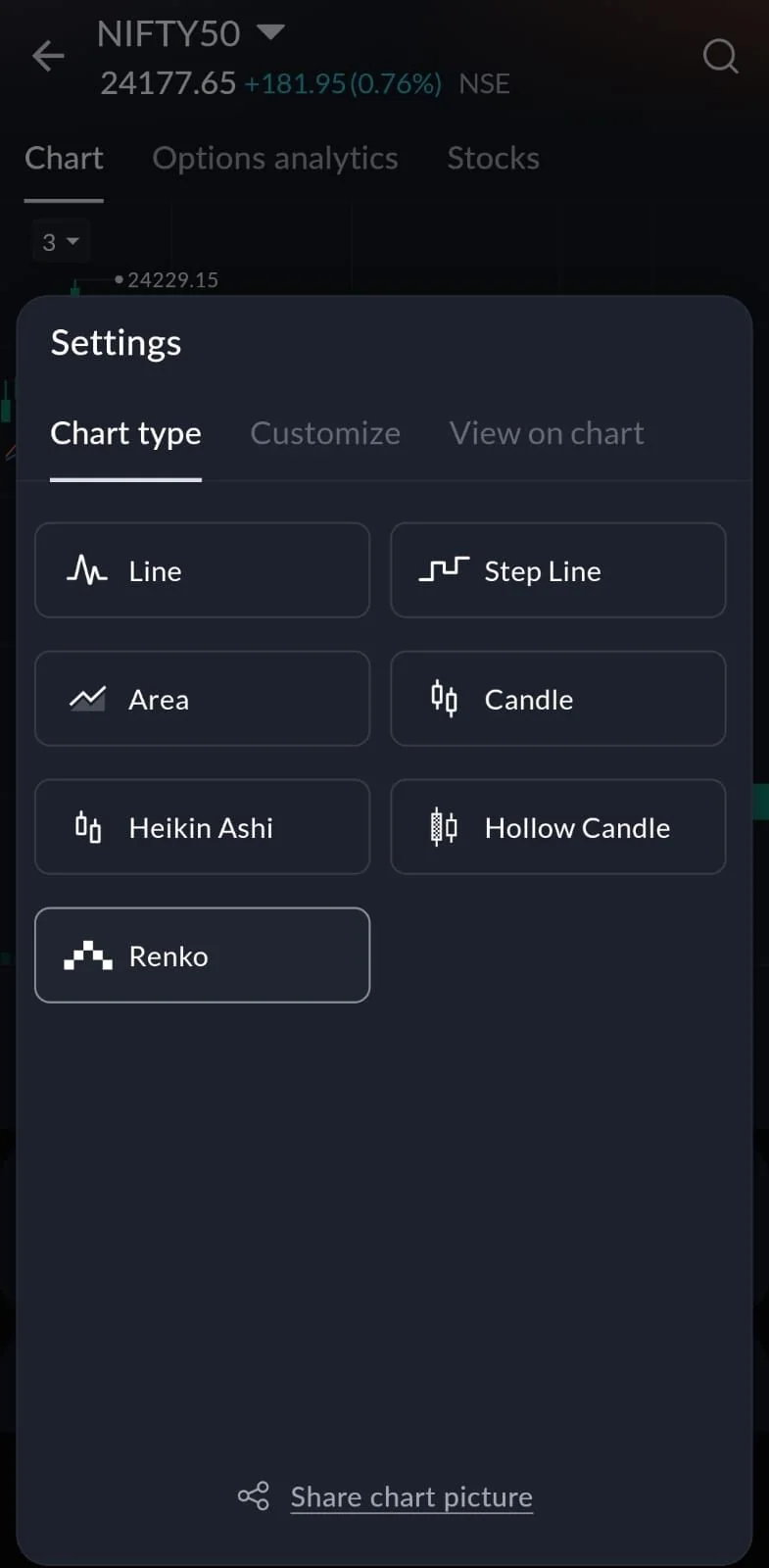
- App: open the chart, tap Settings, and under Chart type pick Renko.
- Web: open the chart, click the chart-type icon at the top right, and pick Renko.
Indian markets are often choppy in the first half hour and around events. That is where Renko's silence during sideways moves helps most.
Step Line: what price actually was
WhereAny chartSettingsChart typeStep Line
A line chart draws a diagonal between two closes, as if price passed through every value in between. A Step Line holds each close flat until the next one, then steps straight to it, like a staircase instead of a ramp.
Option premiums move in ticks, not glides, so Step Line shows where a premium really sat. Long flat steps also show how long price stayed at a level, which makes congestion zones easy to spot.
 Settings › Chart type
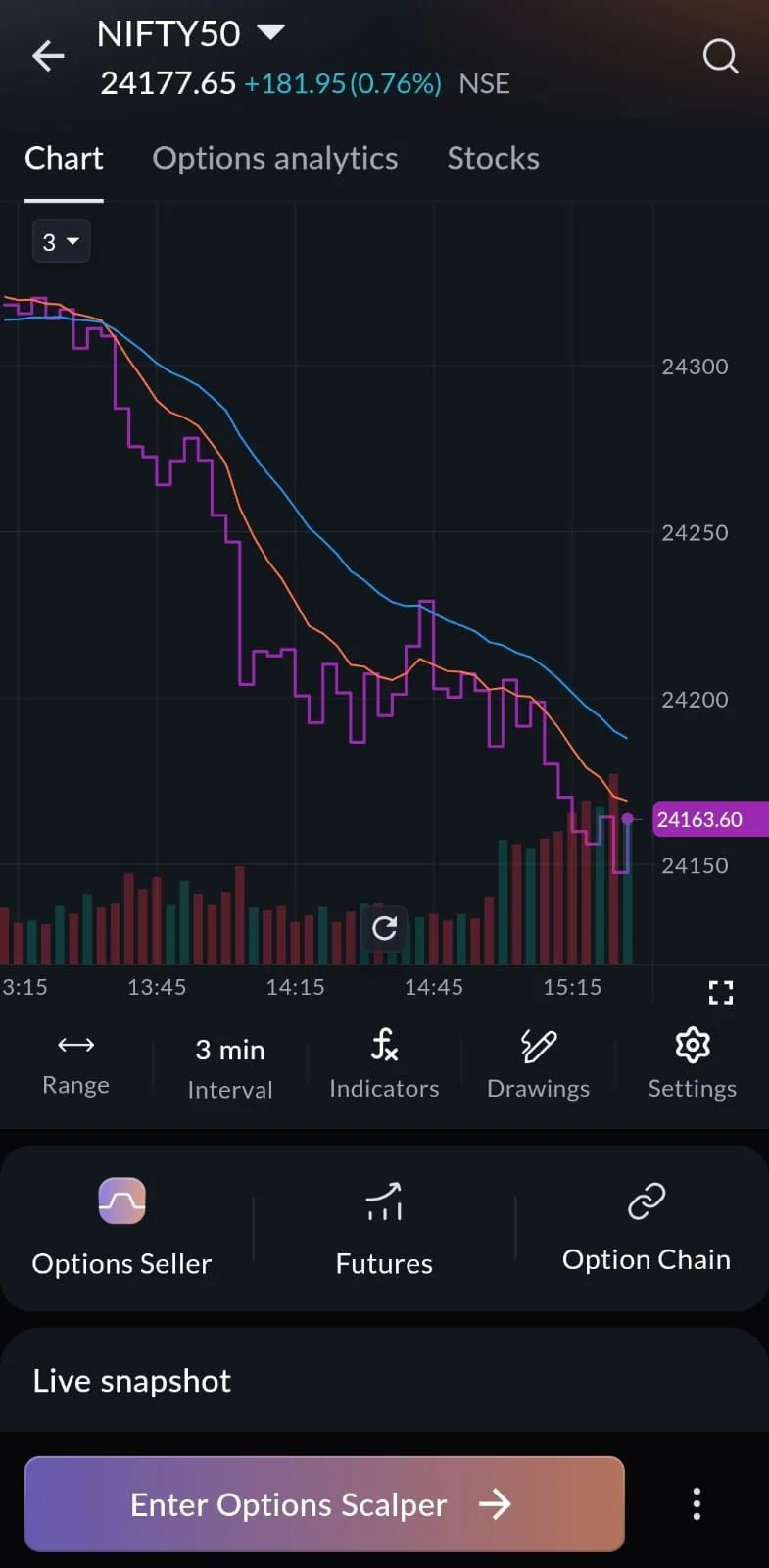 Step Line on NIFTY50, 3-minute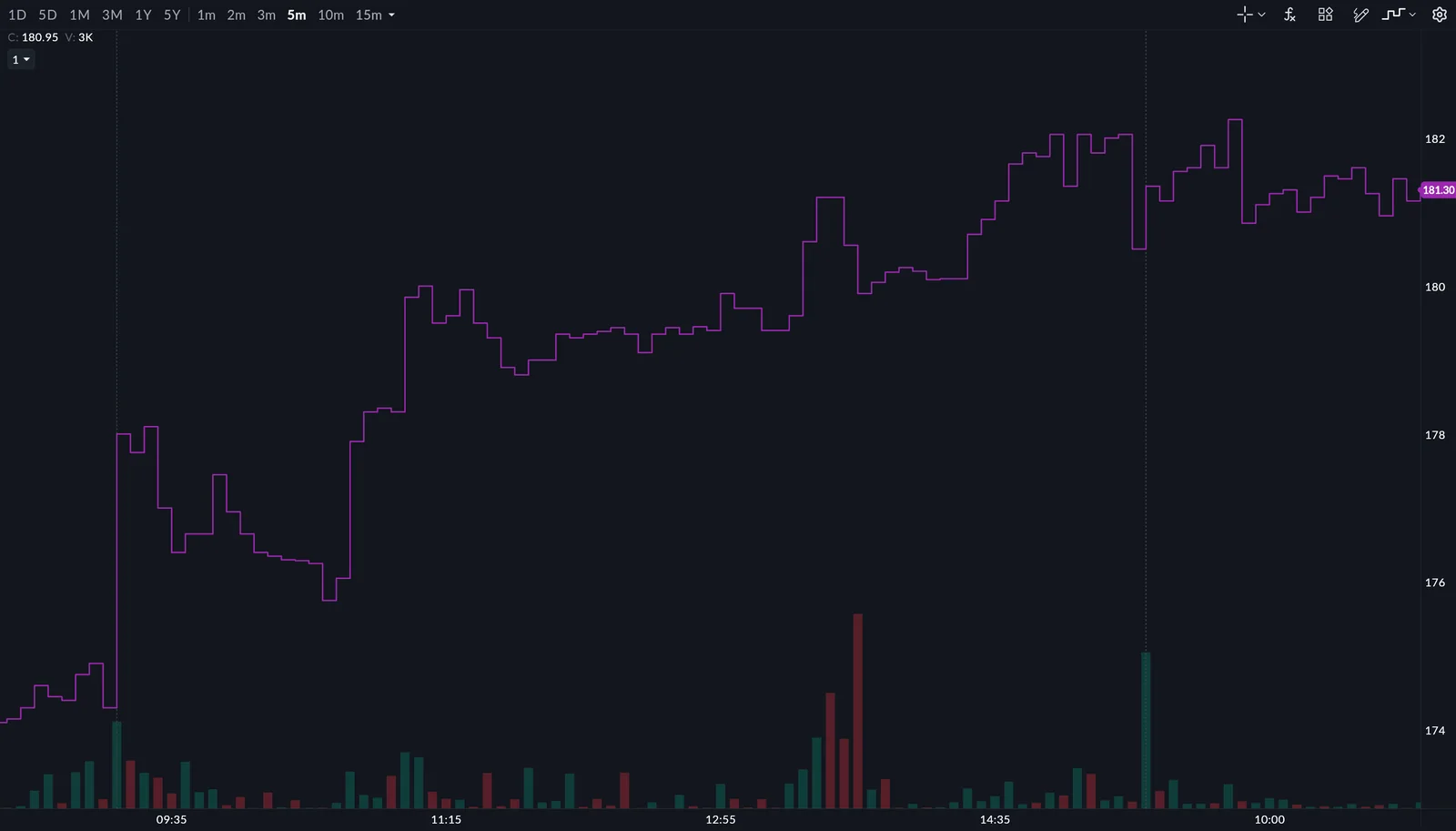
How to use it2 steps
- App: open the chart, tap Settings, and under Chart type pick Step Line.
- Web: click the chart-type icon at the top right and pick Step Line.
A stock closes at 100, then at 105. A line chart draws a ramp through 101, 102, 103 and 104, prices that never printed. Step Line shows 100, then a step straight to 105.
Questions
Do indicators work on Renko and Step Line?
Yes. They work the same way as on a candlestick chart.
Are they available in Scalper?
Yes. Both work on every instrument and in every mode, including Scalper.
Which one should I use?
Renko if time-based noise gets in the way of reading a trend; Step Line if you want a line chart that stops guessing between closes.
Switch your chart typeOpen any chart, go to Settings › Chart type, and pick Renko or Step Line.
Open SAHI