


SAHI's release showed these on the app. Templates and colours are below on SAHI web, light and dark, on an Ipca Laboratories daily chart with two indicators added for the pictures. Saved templates and the UPI list are on SAHI's own phone screens. We added the indicators only for these pictures, saved nothing and removed them afterwards.
Indicator templates: save a set, reuse it anywhere
1Where it is
WhereSAHI webChart toolbarTemplates (four squares)Save as template
On any chart, press the four-squares button beside fn in the chart toolbar and choose Save as template. The same button is at the foot of Manage Indicators (fn), under the indicators on the chart.
- Afn: indicators
Opens Manage Indicators, where you add the indicators you want in the template.
- BTemplates
The four-squares button: your templates, and Save as template.
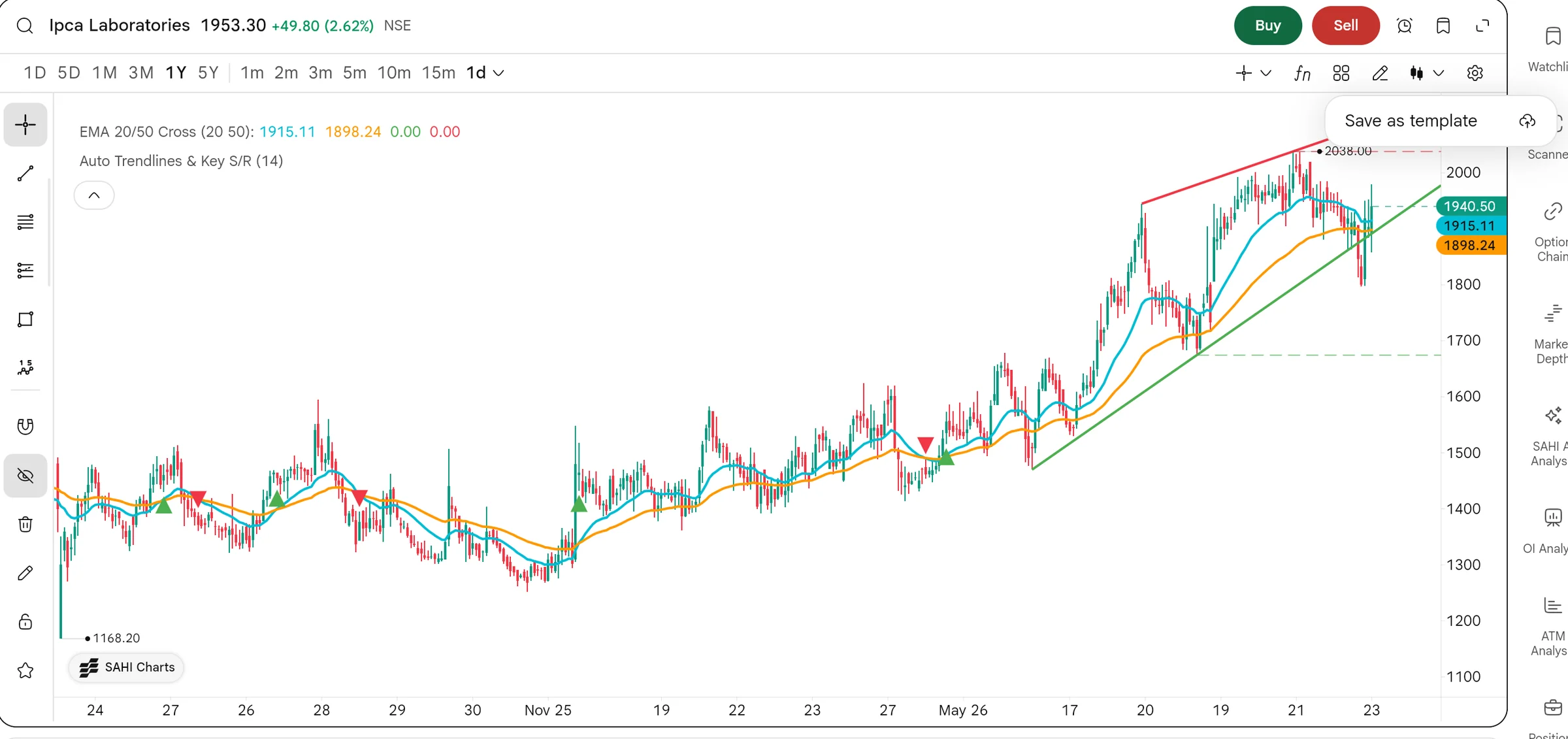
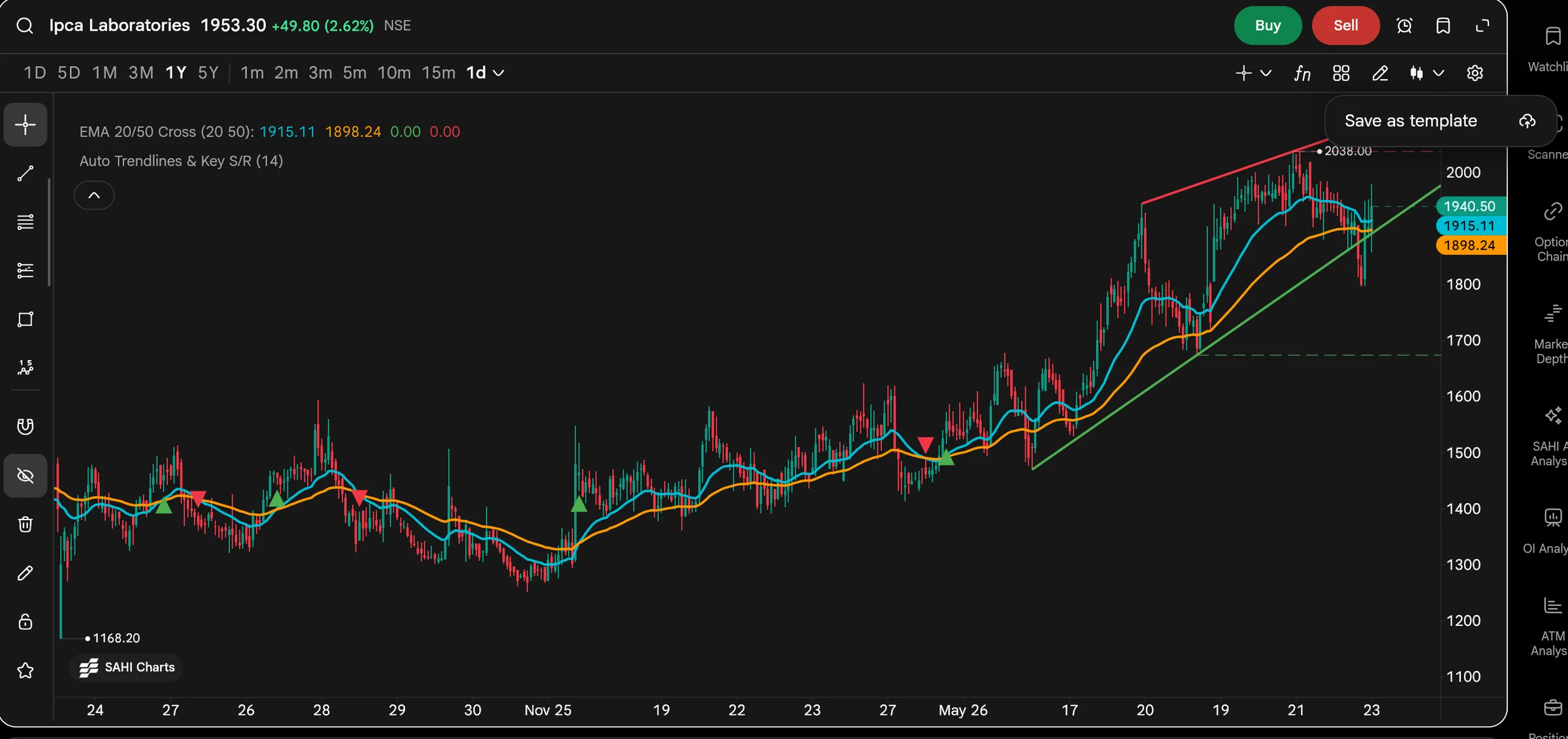
- CSave as template
Saves the indicators now on this chart as one template.
- DIndicators on the chart
EMA 20/50 Cross (20, 50) and Auto Trendlines & Key S/R (14): what this template would hold.
Save a template4 steps
- Add your indicators with fn and set each one the way you use it.
- Press the four-squares button in the chart toolbar, or Save as template at the foot of Manage Indicators.
- Type a name, up to 30 characters, and press Save.
- On another chart, open the same button and pick your template. SAHI's release says it is under My Templates on every device.
2What it is
A template is a named set of indicators with their settings. SAHI's release says you can apply it on any chart, so the same set can go on NIFTY, a stock or an option.
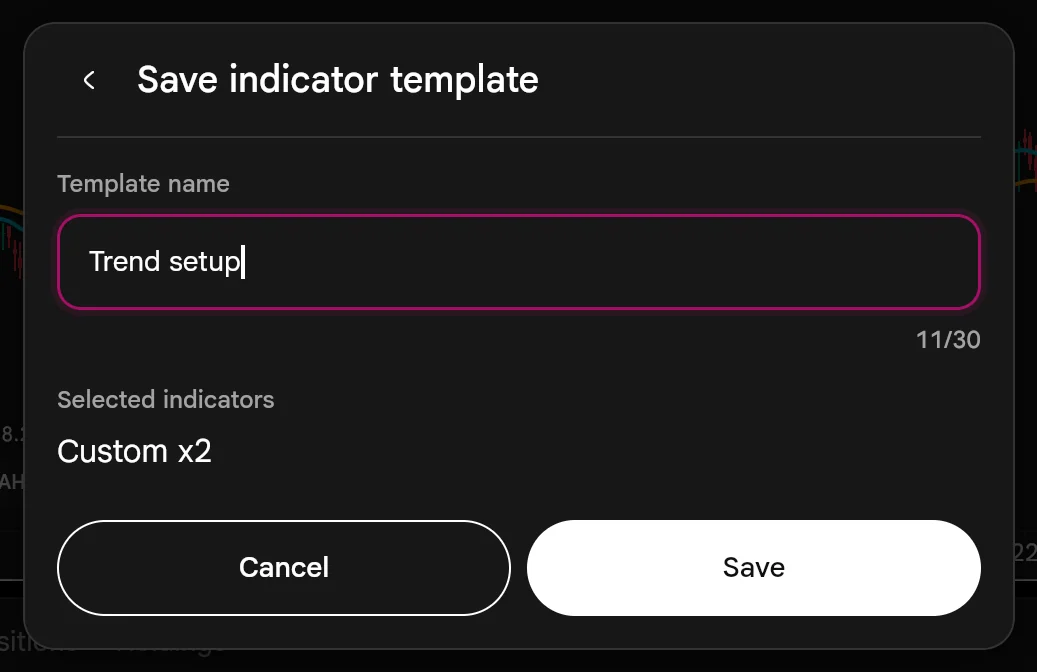
The Save dialog shows what goes in: here Custom x2, the two indicators on the chart.
- ATemplate name
Your name for the set. "Trend setup" is our example.
- CSelected indicators
What the template will hold: two indicators, both counted as Custom.
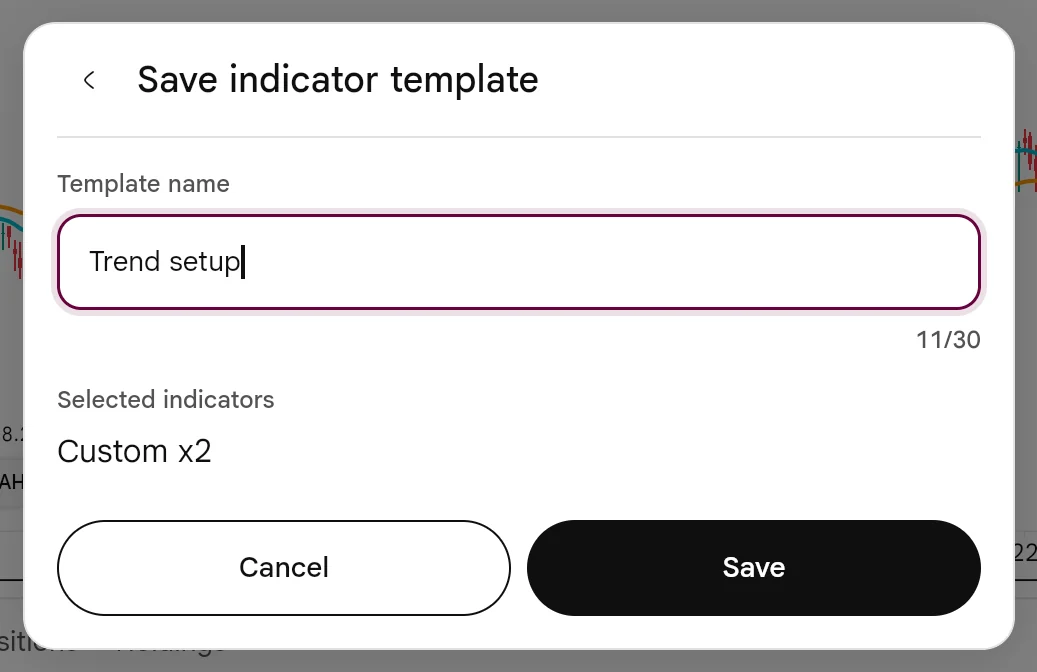
- B30 characters
The counter shows how much of the limit you have used.
- DSave
Saves it. We pressed Cancel.
3How it helps
- One setup, every chart. Five indicators with their settings go on in one press instead of five.
- The same rules every time. Your periods and levels do not drift between charts or between phone and web.
- Several setups side by side. Keep one template for intraday options and another for swing trades, and switch between them.
- AMy Templates
Every template you have saved, with the count.
- BA saved template
Its name, and the five indicators it holds: OI Profile, LSMA, ALMA, Key Levels and ADX.
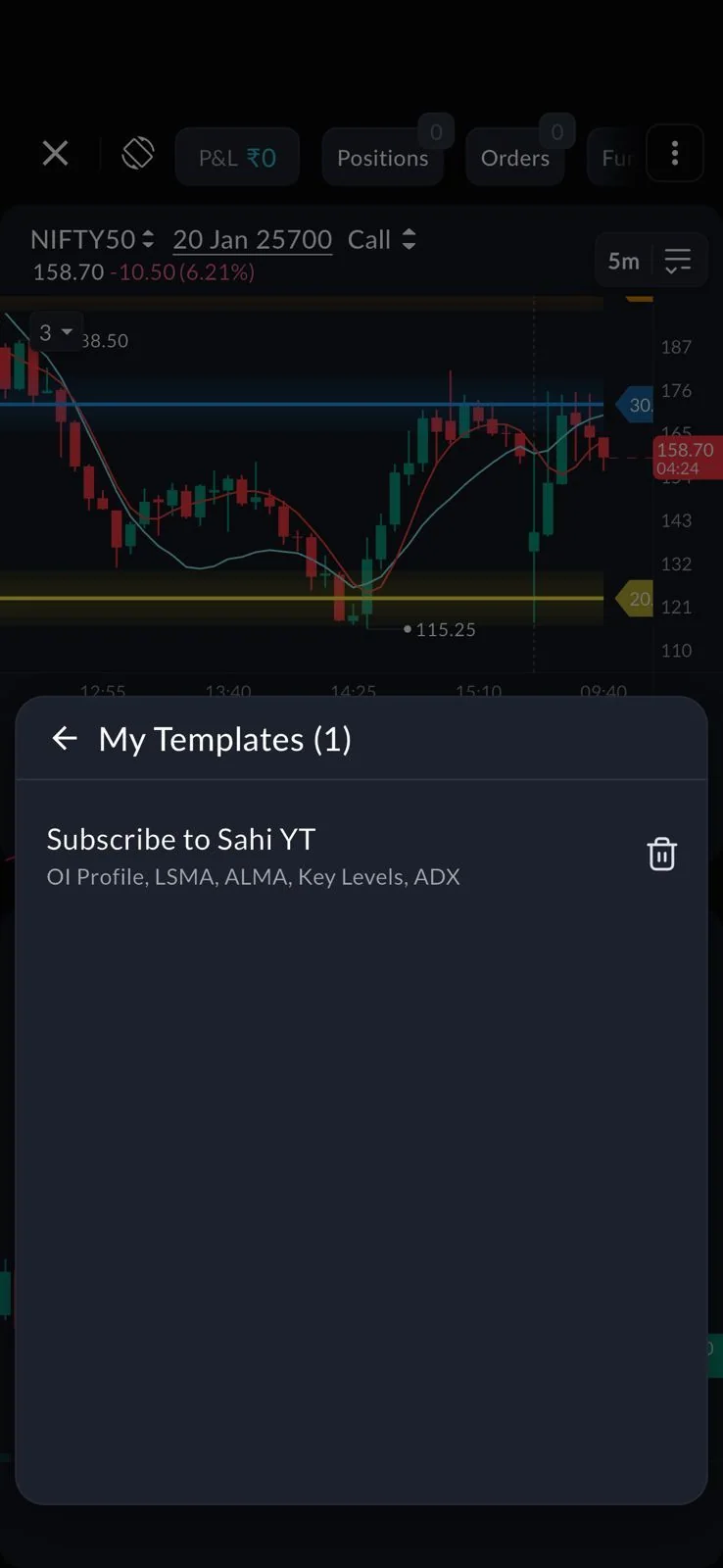
- CDelete
Removes the template, not the indicators on your chart.
Set every indicator's inputs before you save. A template keeps the settings it was saved with.
- We did not save a template, so applying one on SAHI web is not shown; SAHI's release and its app screen show My Templates.
- The release says templates work across devices; we did not check this on a second device.
Chart background and text colours
1Where it is
WhereSAHI webChartSettings (gear)CustomizeCanvas Color
Press the gear at the right end of the chart toolbar, open Customize, and find Background and Text under Canvas Color. Press a colour box to pick a new colour.
2What it is
Under Canvas Color you set the chart's Background and Text, as well as the session break, crosshair and grid lines. Each opens Select Color: 25 colours, an opacity slider and Save. The current colour is ticked: white on the light theme's background, as here.
Candle colours sit above, for rising and falling candles. Reset to default puts everything back.
- ABackground
The chart's background colour; pressing its box opened this palette.
- BText
The colour of prices, dates and labels on the chart.
- EReset to default
Back to SAHI's colours in one press.
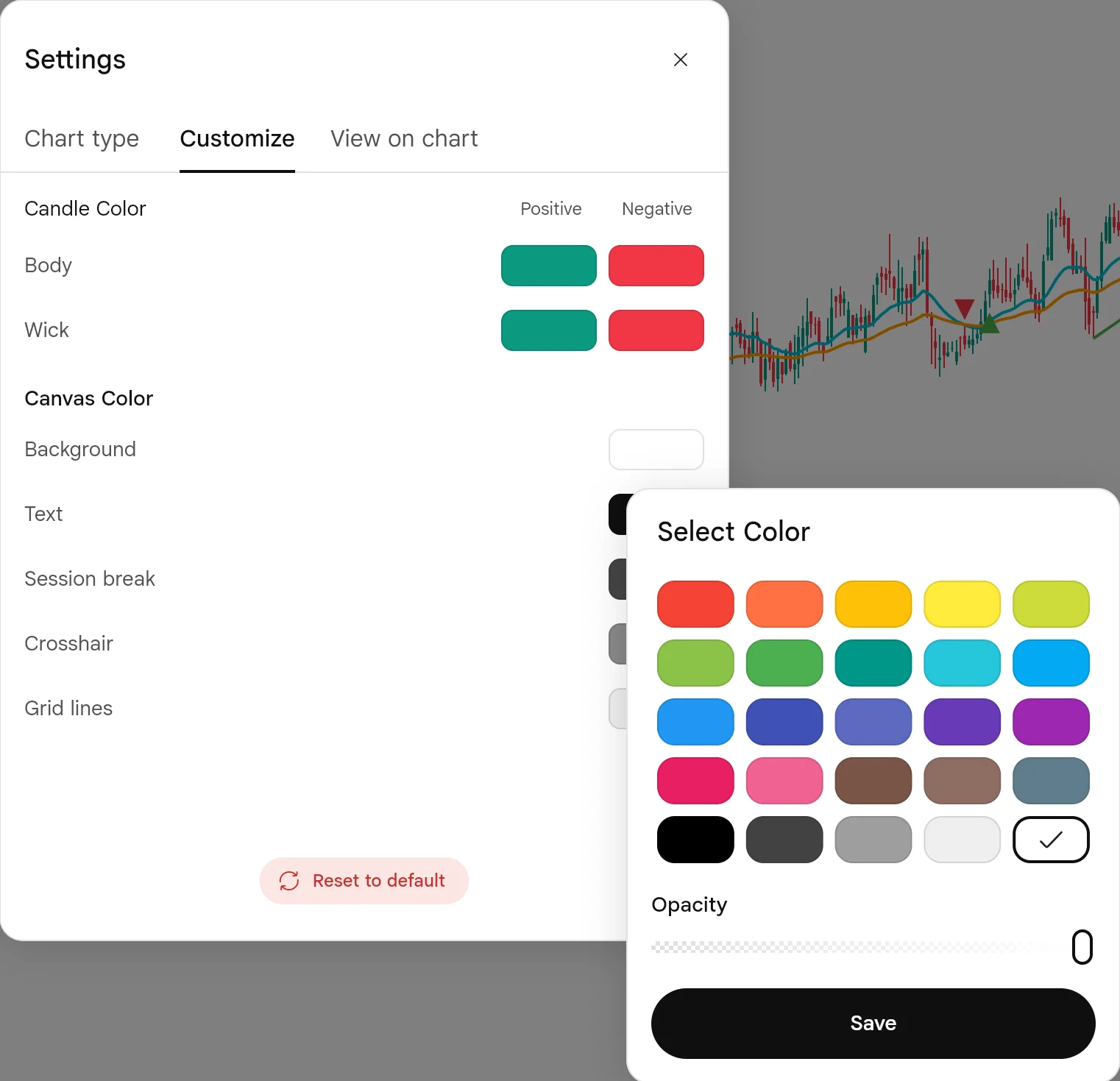
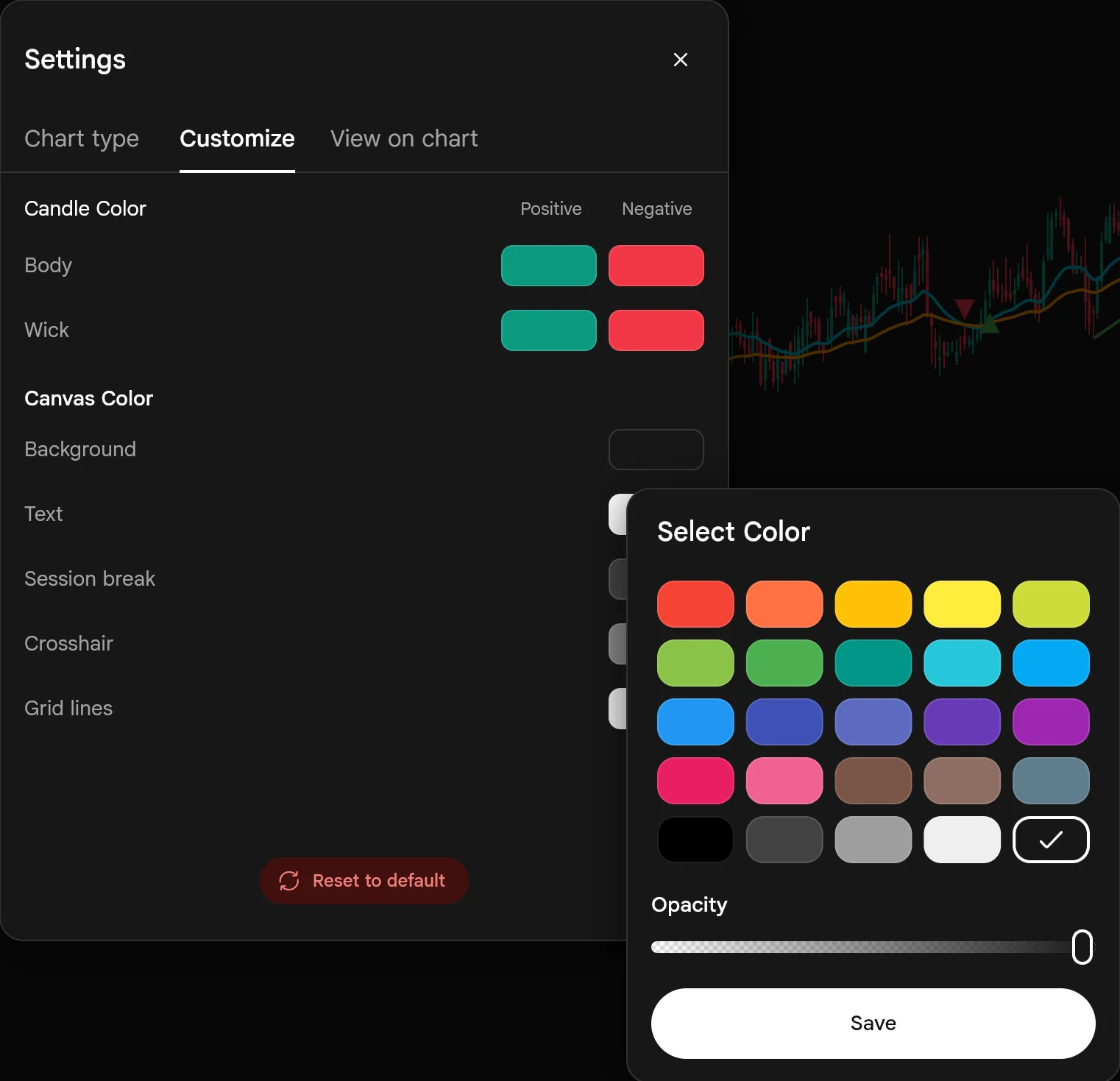
- C25 colours
The current background is ticked.
- DOpacity
How solid the colour is.
3How it helps
- Easier on the eyes. A softer background for long sessions or a dark room, a brighter one in daylight.
- Text you can read. Change the text colour with the background so prices and dates stay clear.
- Nothing to lose. Reset to default undoes every colour change at once.
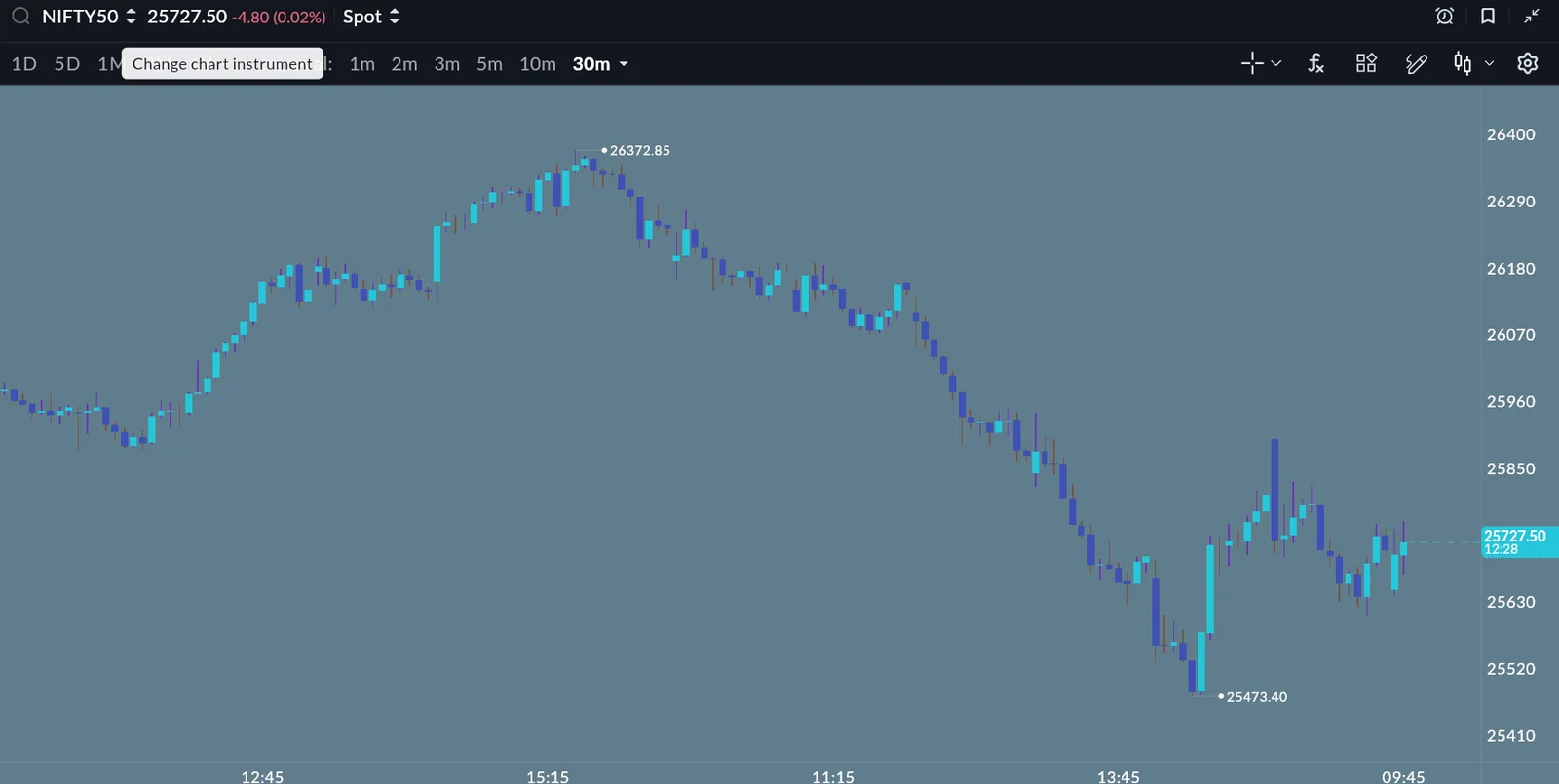
When you change the background, check the text, grid lines and both candle colours against it before you save.
Add money with more UPI apps
1Where it is
WhereSAHI appFundsAdd MoneyUPI
On the SAHI app, open Funds, press Add Money and enter the amount. The UPI apps are listed first; if yours is not there, press UPI ID / Other UPI apps.
2What it is
SAHI's release says more UPI apps are supported for adding money. The ones on your phone are listed by name; any other app is under UPI ID / Other UPI apps.
- AUPI apps
Google Pay, Paytm and Navi on this phone, each one tap.
- BUPI ID / Other UPI apps
Any app not listed, or pay with a UPI ID.
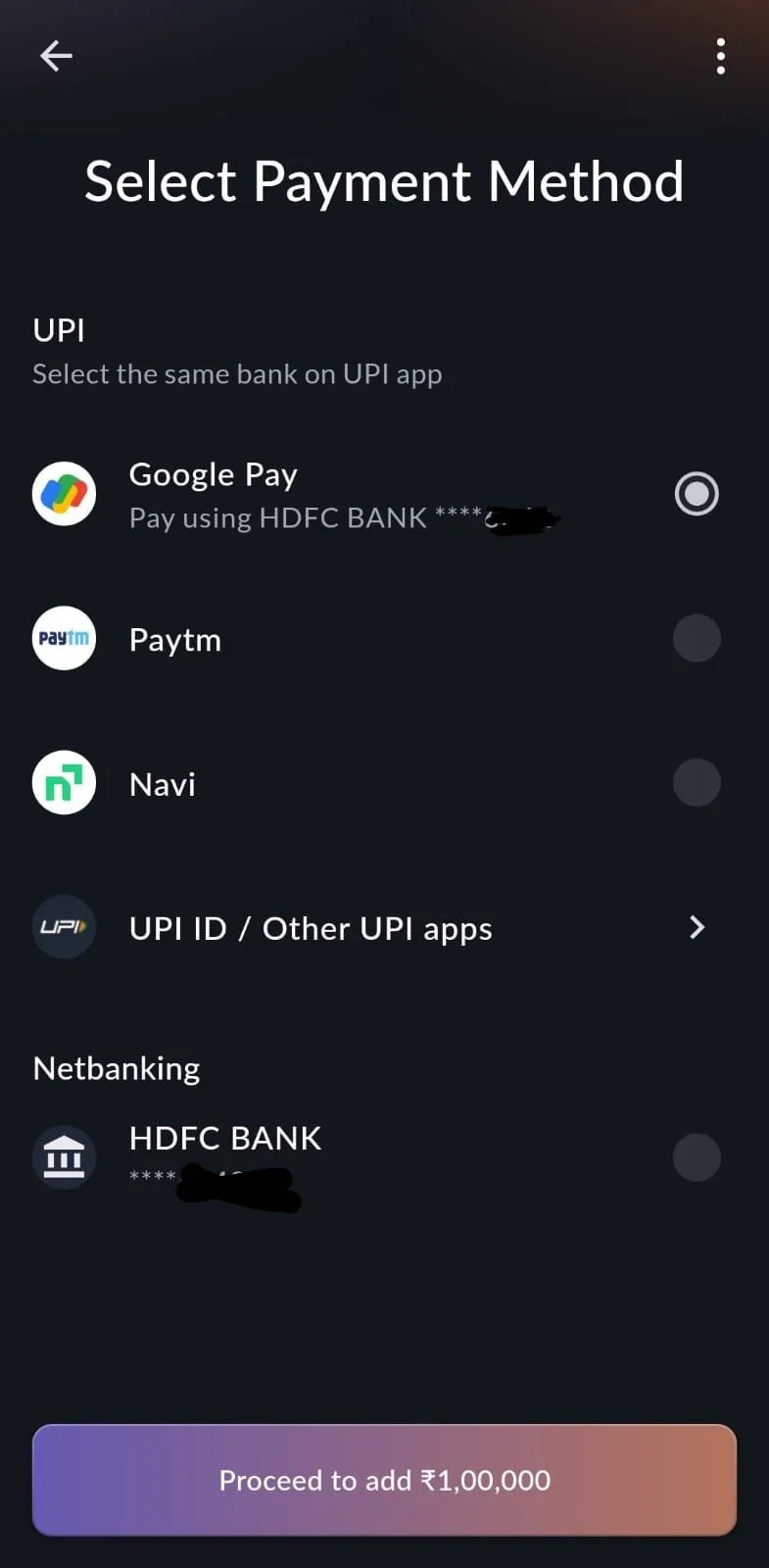
- CNetbanking
Pay from your bank instead of UPI.
3How it helps
- Use the app you already have. No need to install a particular UPI app to fund your account.
- A way in for any app. Other UPI apps covers what the list does not show.
Pay from the bank account linked to SAHI; the screen asks you to select the same bank on your UPI app.
- SAHI's release does not name the new apps. The picture is SAHI's own screen from its 22 Jan update; we did not add money for this page.
Questions
What does an indicator template save?
The indicators on your chart and their settings, under a name you choose. SAHI's release says you can then apply it on any chart.
Where do I find my templates?
In the four-squares button in the chart toolbar on SAHI web. SAHI's release says they are under My Templates on every device.
Can I change the chart background?
Yes. Chart Settings, Customize, Canvas Color, Background. Text, session break, crosshair and grid lines are there too.
My UPI app is not listed. What do I do?
Press UPI ID / Other UPI apps on the Add Money screen.
Save your setup on SAHIAdd your indicators, then save them as a template from the chart toolbar.
Open SAHI